

Here are some useful tips for identifying potentially dangerous suspicious communications.
Check the sender’s address.
Check the sender’s domain.
Check the link.
Do not trust attachments.
Check for strange grammatical errors.
See if there is an urgent request.
Pay attention to the content of the emails.
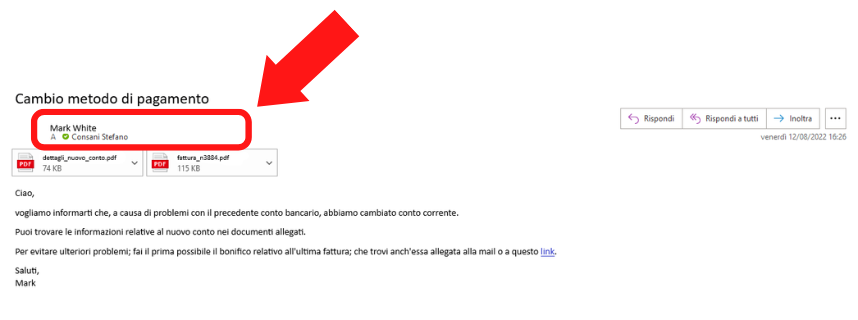
For example, this is NOT an official address!
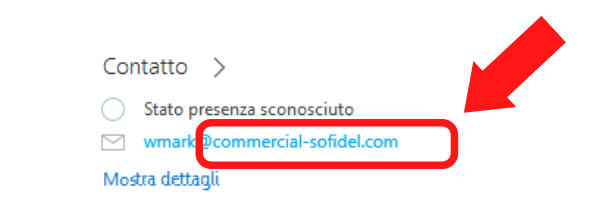
Always check who the sender of the email is.
If you only see the display name (first and last name), we suggest you hover your cursor over the sender to read the full contact details and their full email address.
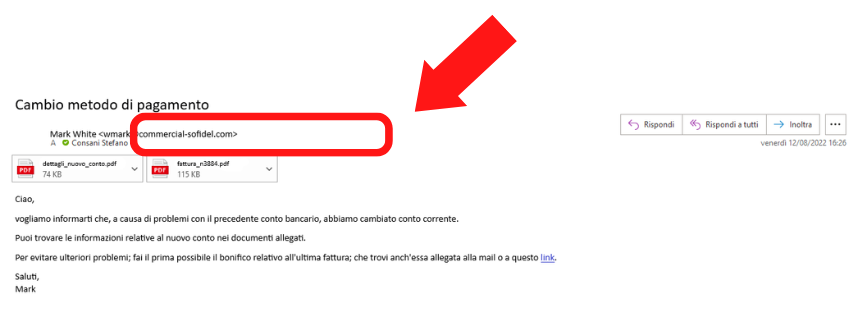
Check that the email comes from @sofidel.com or a Sofidel subdomain (@subdomain.sofidel.com, for example @communication.sofidel.com).
The address in the example is NOT an official address!
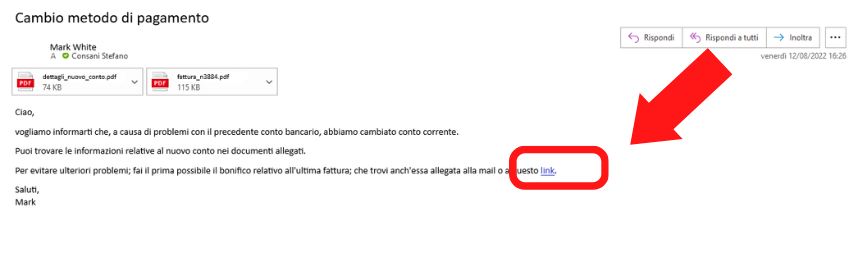
Always check the links contained in emails and only click on them if you are sure.
One tip is to hover your mouse cursor over the link without clicking to read the website address (URL) it refers to.
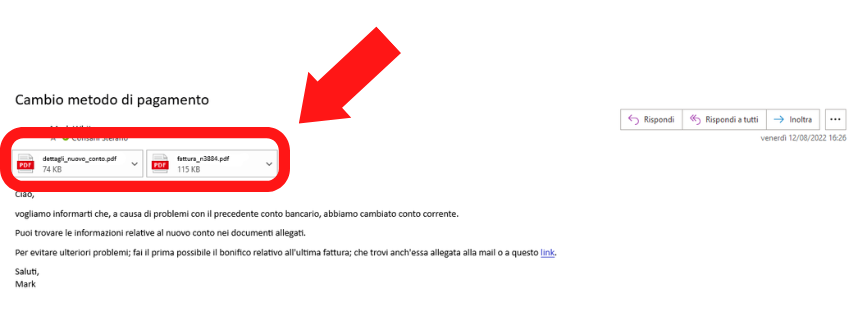
Do not open attachments without first checking and identifying the sender.
Names are often misleading.
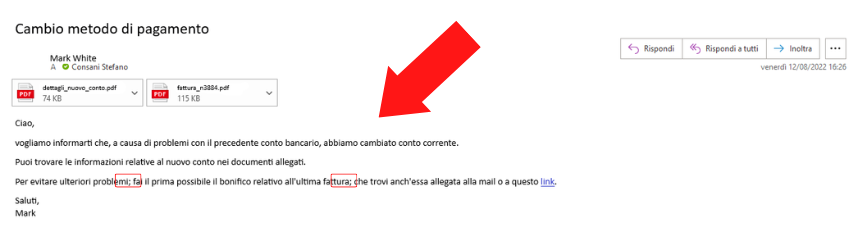
In a phishing email, you can often find repeated grammatical errors.
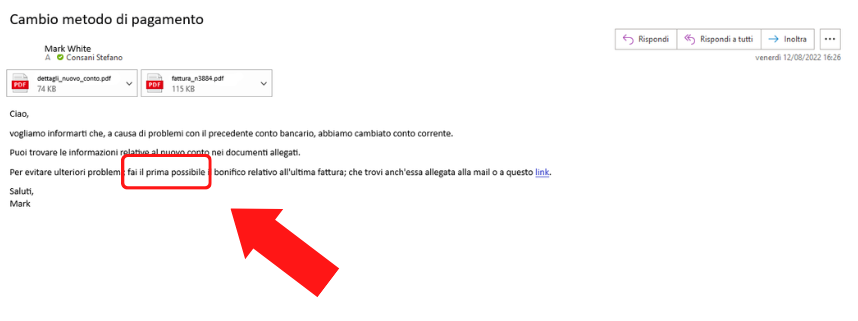
In phishing emails, hackers often try to instil a sense of urgency in the reader.
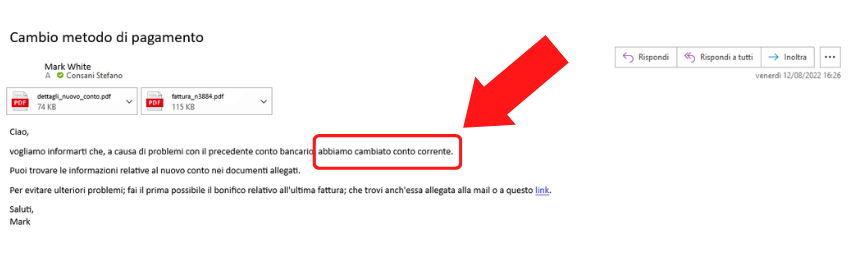
Sofidel does not communicate information relating to bank details via email.
Pay attention to the content of the email: if you receive communications regarding any changes to IBANs, bank accounts or similar matters, we recommend that you always request verbal verification from your Sofidel contact person.